Learn how to recover your Mero Share username and password in Nepal. Follow easy steps to reset your password, fix login errors, and contact your DP.
Have you forgotten your Mero Share username or password and cannot log in to your account? Don’t worry. Recovering your Mero Share login details is possible by following the correct steps. In Nepal, Mero Share is an important online platform for investors who want to apply for IPOs, check their share portfolios, and manage their investments.
In this guide, you will learn how to recover your Mero Share username and password, reset a forgotten password, fix common login problems, and contact your Depository Participant (DP) if you cannot access your account.
Whether you are a new investor or an experienced share market participant, this step-by-step guide will help you understand the recovery process.
What Is Mero Share Username and Password Recovery?
Mero Share username and password recovery is the process of regaining access to your Mero Share account when you forget your login details or cannot sign in.
Mero Share is operated by CDS and Clearing Limited (CDSC), which provides services to investors in Nepal’s capital market. Investors commonly use Mero Share to apply for IPOs through My ASBA, view their holdings, and access other share-related services.
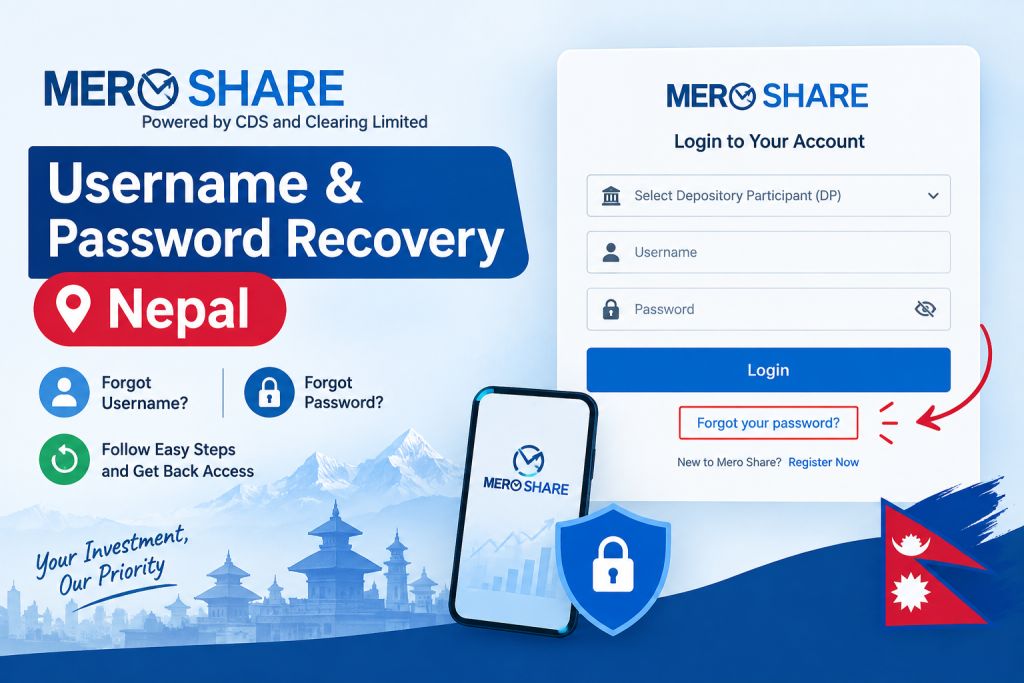
If you forget your password, you can use the official Forgot your password? option. If you forget your username or cannot provide the required account information, you may need to contact the DP where your Demat account is registered.
IPO Result Check: How to Check IPO Allotment Status in Nepal (Step-by-Step Guide)
How to Recover Mero Share Password Online
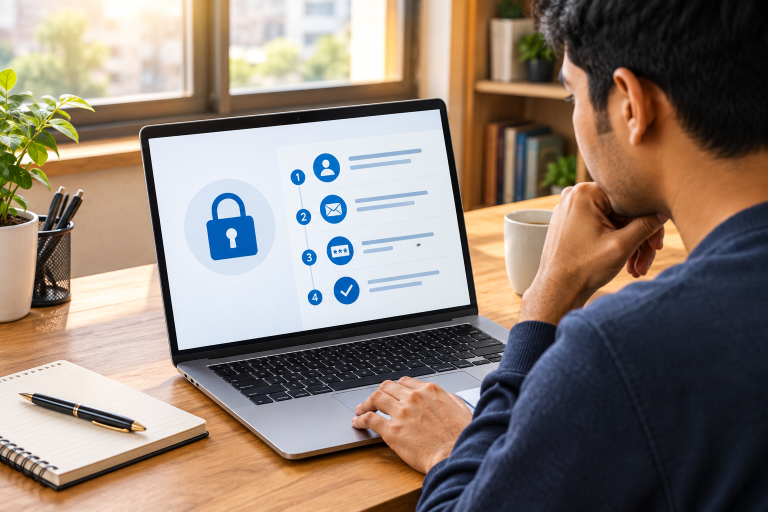
If you remember your username but have forgotten your password, follow these steps.
Step 1: Open the Official Mero Share Website
Open your browser and visit the official Mero Share login page:
Official website: meroshare.cdsc.com.np/" target="_blank" rel="noopener">https://meroshare.cdsc.com.np/
Always verify that you are using the official website before entering your personal information.
Step 2: Click Forgot Your Password
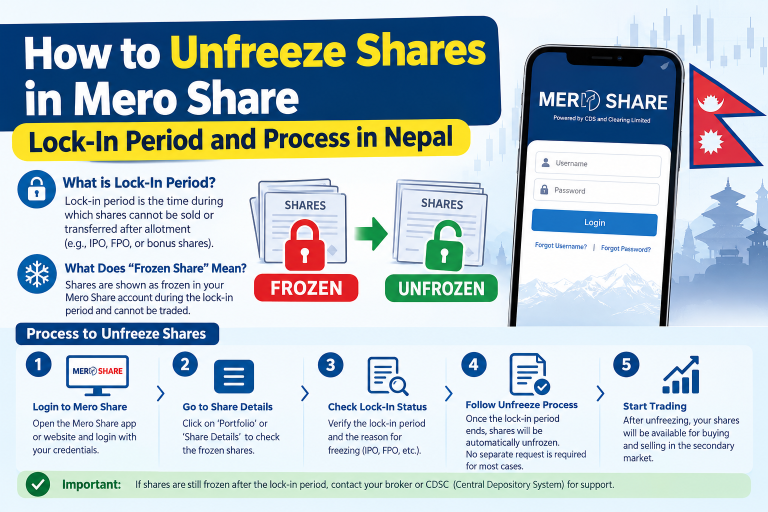
On the login page, look for the Forgot your password? option below the login section. Click it to open the password recovery page.
This feature allows eligible users to request a password reset without visiting their bank or DP office first.
Step 3: Select Your Depository Participant
Select the correct Depository Participant (DP) from the available dropdown list. Your DP is the bank or other authorized institution through which your Demat and Mero Share services are registered.
Choosing the wrong DP may prevent the system from matching your account details.
Step 4: Enter Your Username and Registered Details
Enter the information requested on the recovery page, including your username, registered email address, and date of birth in the required format.
Make sure your information matches the records associated with your Mero Share account. Even a small difference in your registered details may cause the request to fail.
Step 5: Submit Your Password Recovery Request
Review the information you entered and click the Send button.
If your details match the registered records, the system can send a new password to your registered email address. Check your inbox and follow the instructions provided.
These steps follow the password recovery guidance published by CDSC.
Step 6: Log In With Your Recovered Password
Open the email containing your password information and return to the official Mero Share website.
Select your correct DP, enter your username and the password provided, and click Login.
After logging in, follow any security or password-change instructions displayed by the system.
How To Fix Mero Share Login Not Working: Complete Troubleshooting Guide
How to Recover a Forgotten Mero Share Username
Many users search for Mero Share username recovery when they cannot remember the username associated with their Demat account.
Unlike password recovery, username recovery may require assistance from your DP if you cannot identify your registered login details.
Here is what you can do:
- Check your old emails: Search your inbox for messages received when your Demat or Mero Share account was first registered.
- Check your account documents: Review the account-opening confirmation or documents supplied by your DP.
- Check your Demat information: Your BOID and client details may help you identify the account information needed for recovery. Confirm the exact username format with your DP.
- Contact your DP: If you still cannot identify your username, contact the institution where your Demat account is registered.
- Verify your identity: Provide the identification and account details requested through the DP’s official process.
Do not share your password, transaction PIN, OTP, or other confidential security information with anyone claiming to recover your username.
How to Fix Mero Share Password Recovery Problems
Sometimes, the password recovery process does not work as expected. Below are common problems and their possible solutions.
1. Registered Information Does Not Match
If Mero Share displays a message stating that your information does not match the registered information, carefully review the details you entered.
Check your selected DP, username, registered email address, and date of birth. If the information is still rejected, contact your DP to verify your registered records.
2. Password Recovery Email Not Received
If you have submitted your recovery request but have not received an email, try these steps:
- Check your Spam or Junk folder.
- Confirm that you entered the email address registered with Mero Share.
- Wait a little while before checking again.
- Avoid repeatedly submitting recovery requests.
- Contact your DP if the email does not arrive.
An outdated or inaccessible registered email address may require assistance from your DP.
3. Maximum Forgot Password Attempts
Mero Share may restrict password recovery requests after you exceed the permitted limit. If you see a message such as “Maximum forgot password attempted,” stop submitting additional requests.
CDSC’s published user guide advises trying again the following day or contacting your DP for assistance.
4. Mero Share Shows Invalid Username or Password
If your login fails after recovering your password, check the following:
- Make sure you selected the correct DP.
- Enter your username and password carefully.
- Check for extra spaces when copying and pasting credentials.
- Use the latest password supplied by the recovery process.
- Make sure you are using the official Mero Share website.
If the issue continues, ask your DP to check your account status and login details.
5. You No Longer Have Access to Your Registered Email
If you cannot access the email address registered with Mero Share, contact your DP. Ask about updating your registered email address after completing its identity verification process.
Once your details are updated, follow the official recovery procedure again.
Can You Recover Your Mero Share Password Without Visiting a Bank?
In many cases, yes. If you know your username and can provide the correct registered information, you can try the online Forgot your password feature first.
However, you may need to contact your DP if your registered information does not match, your email address is unavailable, you forget your username, or the system restricts further recovery attempts.
The exact assistance available depends on your account records and the issue you are facing.
How to Keep Your Mero Share Account Secure
After recovering your username or password, take a few precautions to protect your investment account.
- Use a strong password that is difficult to guess.
- Do not share your login credentials with other people.
- Never disclose your transaction PIN or OTP to an unknown person.
- Access Mero Share through the official website or official CDSC application.
- Keep your registered email address and contact details up to date.
- Avoid entering your credentials on suspicious links or unofficial websites.
These precautions can help reduce the risk of unauthorized access to your account.
MeroShare Password Forgot: How to Reset Your Password Online in Nepal
Frequently Asked Questions (FAQs)
1. How can I recover my Mero Share username and password?
For a forgotten password, visit the official Mero Share website and click Forgot your password. If you have forgotten your username, check your account documents or contact your DP.
2. Can I reset my Mero Share password online?
Yes. You can use the online password recovery feature if you can provide the required information that matches your registered account records.
3. Why am I not receiving my Mero Share password recovery email?
Check your Spam or Junk folder, verify your registered email address, and allow time for the message to arrive. Contact your DP if the issue continues.
4. What should I do if my Mero Share details do not match?
Verify your DP, username, registered email address, and date of birth. If the information remains incorrect, contact your DP for assistance.
5. Can I recover my Mero Share account without my registered email?
You may need your DP to verify your identity and update your registered email address before you can complete password recovery.
6. Where can I find the official Mero Share login page?
Visit https://meroshare.cdsc.com.np/ to access the official Mero Share login page.
Conclusion
Forgetting your Mero Share login details can be frustrating, especially when you need to apply for an IPO or check your investment portfolio. Fortunately, the official password recovery feature provides a convenient starting point.
To recover your password, visit the official website, select Forgot your password, enter your registered information, and check your email. If you have forgotten your username or encounter repeated recovery errors, contact your Depository Participant for help.
Following the correct Mero Share username and password recovery process can help you regain access to your account safely and avoid unnecessary delays.