Selling shares through your broker’s Trade Management System (TMS) on the Nepal Stock Exchange (NEPSE) feels like an instant transaction. You hit sell, receive an execution confirmation, and assume your profits are locked in. However, in Nepal’s equity market, a sell trade is only finalized once you deliver those shares electronically from your Demat account via CDSC’s Mero Share portal.
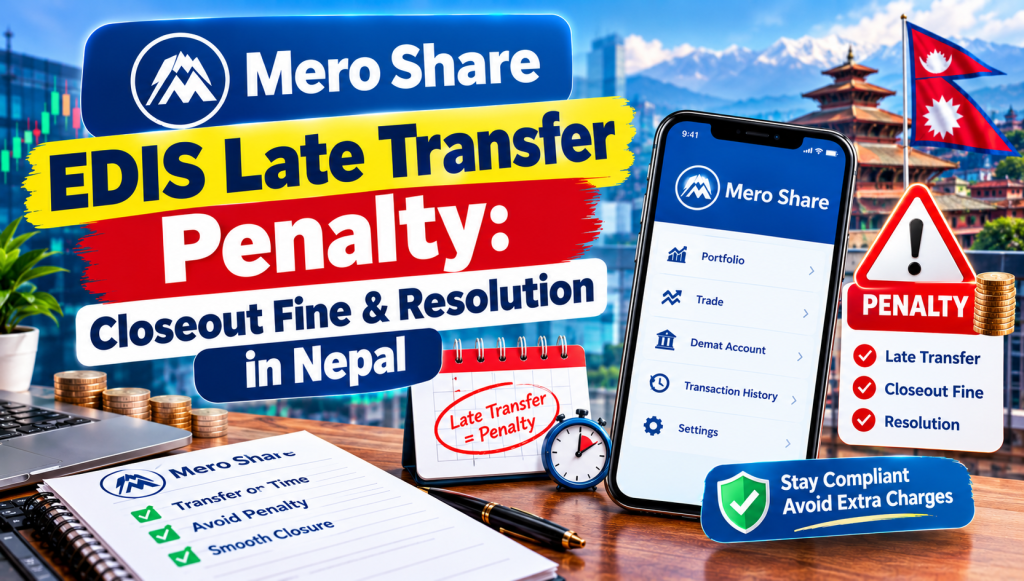
Failing to transfer shares on time triggers one of the most penalizing mechanisms in NEPSE: Closeout. If you do not execute your Electronic Delivery Instruction Slip (EDIS) within the regulatory settlement window, you face a mandatory 20% closeout penalty deducted directly from your account. Here is a comprehensive guide to understanding why this happens, how the fine is calculated, and what steps you must take if you miss the EDIS deadline.
What Happens When You Fail to Complete Mero Share EDIS on Time?
When you sell shares on NEPSE, you enter a legally binding contract to deliver those securities to the buyer through your stockbroker. In Nepal’s paperless environment, this delivery happens via the Electronic Delivery Instruction Slip (EDIS) feature inside your Mero Share account.
If you fail to complete the EDIS process before the designated settlement deadline, you create a “short delivery”—meaning your broker has sold shares to a counterparty on the exchange floor, but there are no actual shares delivered to CDSC (CDS and Clearing Limited) to credit the buyer’s Demat account.
Because NEPSE does not operate a physical securities auction market for defaults, the clearing system initiates an automated process known as Closeout. During closeout:
- The share transfer contract is canceled because physical delivery cannot take place.
- The buyer does not receive the purchased shares; instead, their money is refunded alongside financial compensation.
- The defaulting seller is penalized a mandatory 20% fine calculated against the total transaction amount.
- Your broker debits this penalty directly from your TMS collateral or issues a margin debit that you must clear out of pocket.
NEPSE Settlement Timeline and EDIS Deadlines (T+1 vs T+2 Rules)
To avoid closeout penalties, investors must understand the settlement calendar implemented by the Securities Board of Nepal (SEBON) and CDSC. NEPSE operates on a T+2 rolling settlement cycle (Trade day plus two working days).
Here is how the timeline works across typical trading sessions:
| Timeline | Phase | What the Investor Must Do |
|---|---|---|
| Day T (Trade Day) | Execution | Order gets matched and executed on the NEPSE TMS portal. |
| Day T (Evening) – Day T+1 | WACC & EDIS Window | Calculate your Weighted Average Cost of Capital (WACC) and submit the EDIS transfer in Mero Share. |
| Day T+2 (Morning) | Clearing Cut-off | CDSC matches buy/sell obligations and locks transfers across all broker pools. |
| Day T+2 (Afternoon) | Final Settlement | Buyers receive shares; sellers receive cleared payout funds into their bank accounts. |
While the full cycle is officially designated as T+2, your personal deadline as a seller is strictly T+1. Most Nepali brokerage firms require retail clients to finish WACC calculation and EDIS transfer by 5:00 PM or 6:00 PM on T+1 (the working day immediately following the sell trade). A few brokers allow automated transfers up to 10:00 AM on T+2, but relying on that narrow window carries immense risk due to periodic CDSC server congestion.
For a detailed walkthrough on setting up your slips correctly, read our guide on how to transfer shares using Mero Share EDIS.
Understanding the 20% Closeout Fine in Nepal’s Stock Market
Under the CDSC Clearing and Settlement Bylaws, whenever a seller defaults on delivery, the trade enters mandatory closeout. The primary penalty is set at 20% of the gross trade value.
The penalty serves two vital structural purposes in the capital market:
- Buyer Compensation: The buyer entered the market in good faith to acquire shares, which may have gained in value since execution. A portion of the 20% penalty is credited to the buyer to compensate them for opportunity loss and missed portfolio upside.
- Market Integrity: Without a heavy penalty, speculative traders could intentionally short shares they do not own, hoping to buy them back cheaper later—a practice currently prohibited for retail investors under NEPSE regulations.
It is important to note that the 20% fine is not a discretionary fee imposed by your broker; it is an automated statutory regulation enforced by CDSC. Stockbrokers have zero legal authority to waive, reduce, or reverse an official closeout fine once CDSC runs the clearing batch.
How Closeout Penalty is Calculated (With Real Examples)
To see how costly an EDIS mistake can be, let us examine two practical scenarios based on typical NEPSE trades.
Scenario A: Standard Retail Trade
Suppose you sold 200 shares of a commercial bank at Rs 300 per share on Sunday (Trading Day T). You forgot to log into Mero Share on Monday (T+1), and the trade defaulted into closeout on Tuesday morning (T+2).
- Total Contract Value: 200 shares × Rs 300 = Rs 60,000
- Closeout Fine (20%): 20% of Rs 60,000 = Rs 12,000
- Outcome: You retain your 200 shares in your Demat account, but you do not receive the Rs 60,000 proceeds. Instead, you must pay Rs 12,000 out of pocket to your broker.
Scenario B: High-Value Hydro or Microfinance Trade
Suppose you sold 500 shares of a microfinance company at Rs 1,400 per share on Wednesday, but failed to complete EDIS by Thursday evening.
- Total Contract Value: 500 shares × Rs 1,400 = Rs 700,000
- Closeout Fine (20%): 20% of Rs 700,000 = Rs 140,000
- Outcome: You lose Rs 140,000 simply for missing a digital transfer confirmation window.
These examples illustrate why learning the settlement calendar is just as critical as mastering technical analysis. Missing an EDIS transfer wipes out significant capital in a single move.
Step-by-Step: What to Do Immediately If You Missed the EDIS Window
If you realize that you forgot to transfer shares and the T+1 deadline has passed, act quickly. While the 20% penalty is automated once CDSC initiates final settlement, prompt action can sometimes save your trade if the settlement batch has not yet executed.
- Attempt EDIS Transfer Immediately: Log into Mero Share instantly. Go to Mero Share > Purchase Source, calculate your holding period, update your cost, and proceed to EDIS > Transfer Shares. If the settlement batch is still open, the system will allow you to generate the instruction slip.
- Call Your Broker Settlement Department at 9:30 AM: Contact your brokerage firm’s clearing department the moment their office opens on T+2. Provide your Client Code, Name, and Scrip details. Brokers occasionally have short grace windows to resolve inter-depository matching before clearing closes.
- Check Demat Account Status: If the trade has officially entered closeout, confirm whether your original shares remain in your Demat account. In a closeout event, the shares never leave your possession.
- Clear Outstanding Broker Dues: Once your broker receives the CDSC closeout report, your TMS ledger will show a negative balance reflecting the 20% penalty. Clear this debit immediately via ConnectIPS or bank transfer to prevent your TMS trading account from being suspended.
Common Reasons EDIS Fails and How to Avoid Them
Most closeout penalties do not happen because investors intentionally refuse to transfer shares. They happen due to routine technical roadblocks and procedural oversights. Here are the most frequent reasons EDIS fails and how to protect yourself:
1. Forgetting to Calculate WACC First
The Mero Share system strictly prohibits share transfers if the Weighted Average Cost of Capital (WACC) has not been confirmed for that specific batch. If you navigate directly to “Transfer Shares” without visiting “Purchase Source” first, your scrip list will display as empty. Always update your purchase history first by checking our tutorial on how to calculate WACC in Mero Share.
2. Shares Marked Under “Freeze Balance”
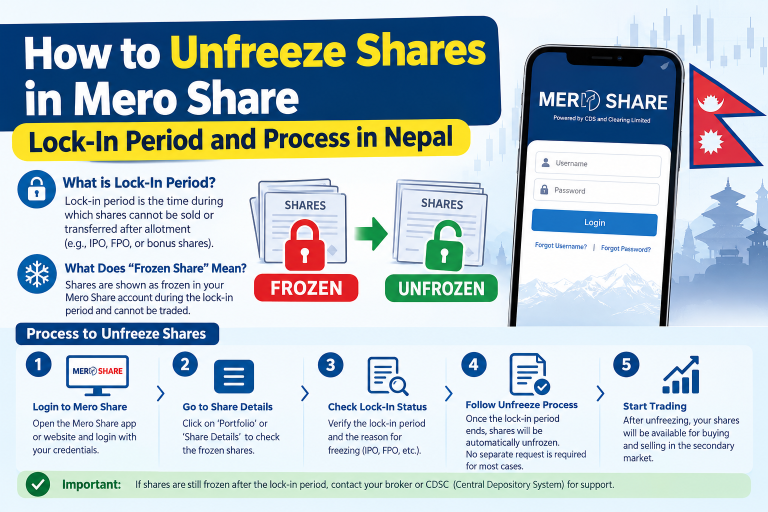
If you recently participated in a promoter share conversion, merger lock-in, or rights dispute, your holdings might reside under the “Freeze Balance” tab rather than “Free Balance.” Mero Share will not allow EDIS transfers on frozen shares, resulting in an automatic settlement default. Review the instructions on how to unfreeze shares in Mero Share to avoid trading restricted holdings.
3. Expired Demat or Mero Share Account
Both your Demat account and Mero Share subscription require annual renewals (Rs 100 for Demat and Rs 50 for Mero Share). If your account expires right after you place a sell trade on TMS, Mero Share may lock your access, preventing you from generating the EDIS request on T+1. Keep your subscriptions updated ahead of time.
4. Last-Minute CDSC Server Timeouts
Thousands of retail traders log into Mero Share between 5:00 PM and 7:00 PM to perform EDIS transfers. During bull markets or volatile days, CDSC servers frequently encounter gateway timeouts and high-latency errors. If you postpone your EDIS until late T+1 evening, you risk server outages that could roll your trade into closeout. Best practice: Execute your WACC and EDIS immediately upon receiving the trade execution SMS on Day T.
Conclusion
The 20% closeout penalty on NEPSE is one of the most punishing rules in Nepal’s financial system, but it is entirely avoidable. Selling shares through your NEPSE TMS portal is merely an agreement to supply; transferring the shares via Mero Share EDIS is how you deliver.
Make it an unbreakable trading habit: whenever you execute a sell order during market hours, log into Mero Share the same evening, declare your holding period, finalize your WACC, and confirm your EDIS transfer. Taking three minutes to complete that step ensures your hard-earned trading profits remain yours.
Frequently Asked Questions (FAQs)
What is the exact penalty for missing the EDIS deadline in Mero Share?
The penalty is strictly 20% of the total gross value of the defaulted trade. This amount is debited from your brokerage trading account as a closeout fine under CDSC settlement regulations.
Can a stockbroker waive the 20% closeout fine in NEPSE?
No. Stockbrokers cannot waive, modify, or forgive a closeout penalty. The penalty is generated automatically by CDSC’s centralized clearing and settlement software when shares fail to arrive by the settlement cut-off.
Until what time is EDIS share transfer open on Mero Share?
While the theoretical system window remains open into early T+2 morning, brokers enforce an operational deadline of 5:00 PM to 6:00 PM on T+1 (the day after the trade). Completing EDIS after this hour risks non-inclusion in the broker’s clearing batch.
Does the buyer still receive shares if a trade enters closeout?
No. When a trade enters closeout, no shares are transferred. The buyer receives a full refund of their purchase funds along with a portion of the 20% penalty paid by the defaulting seller as compensation for the failed delivery.
If my trade goes into closeout, do I still lose my shares?
No. Because delivery was not made, the shares remain intact inside your Demat account under Free Balance. However, you forfeit the sale proceeds and must pay the 20% cash penalty on the contracted sale value.
Why does my scrip not show up under ‘Transfer Shares’ in Mero Share?
If your sold shares do not appear in the EDIS transfer list, you most likely skipped the “Purchase Source” and “My Holding” calculation steps. You must calculate and save your holding period and WACC first before Mero Share populates the scrips available for settlement.